

Recommended
Categories
Sponsored Links

Advertisements

Improvisation
Lesson 36 - Adding Harmony Notes in the Right Hand |
|---|
 |
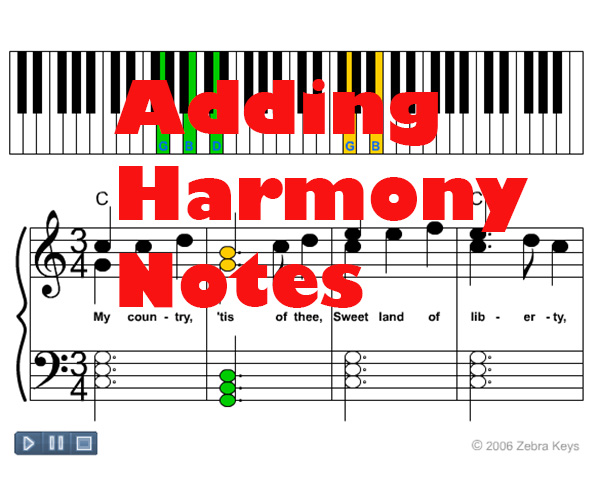
I. Index1. Introduction II. Content1. IntroductionIn this lesson, you will be playing two notes in the right hand instead of one. The extra note in the right hand will be a note from the left hand chord. This extra note will give the song a bigger sound. We are basically adding harmony notes in the right hand.Step 1: We will take a look at "America", in which the right hand plays a single note melody line. Step 2: We will take a look at "America", in which the right hand plays an extra note. This extra note will be a note taken from the left hand chords. 2. Playing One Note Melody Lines with the Right HandBelow is an animation of "America", in which the right hand plays a single note melody line.3. Step 2: Adding Harmony Notes in the Right HandBelow is an animation of "America", in which the right hand plays an extra note. This extra note comes from the left hand chord. For example, in the 1st measure of "America" below, the chord in the left hand is the C major chord, which is made up of the notes C, E, G. You will be taking one of these notes, G, and letting the right hand play it as well. So basically, you are playing two G's, one G played in the left hand, and another G played in the right hand.Take a look at the second measure. The chord being used is the G major chord, which is made up of the notes G, B, D. You will be taking one of these notes, G, and letting the right hand play it as well. So there are now two G's, one G played in the left hand, and another G played in the right hand. Notice that in order to make room for this extra note, you will have to play the right hand melody one octave higher. So how do you decide which note from the left hand chord should be played with the right hand as well? In this lesson, the extra note in the right hand is the chord note from the left hand that is closest to the melody note in the right hand. For example, in the first measure, the chord in the left hand is the C major chord, which is made up of the notes C, E, G. Any of these three notes can be used as the extra note in the right hand. G was used because it happens to be the closest note to the melody note of C, which makes it easier to play. Keep in mind that whatever note you decide to use as your extra note, that note should not be higher than the melody note. This is because the highest note in any song is the easiest to hear, so it should be reserved for the melody note. 4. ConclusionCongratulations, you have just played "America" with the right hand playing a harmony note along with the melody note. Playing this extra note gives the song a bigger sound. This is one of many different techniques you can use to make the songs you play sound more interesting. Try this technique with other songs as well!
Custom Search
 |
Recommended Stuff
| Watch the free lesson on this page from the video below: |
Improvisation Lessons : Intermediate Piano
Lesson 34
 |
Lesson 35
 |
Lesson 36
 |
Lesson 34
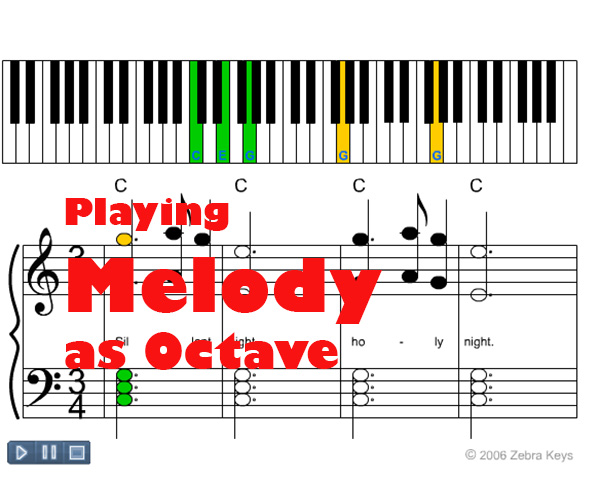
Melody as Octaves
Melody as Octaves
Look Up Any Chords |
Improvising with Broken Chord Pattern
 |
Lesson 35 -
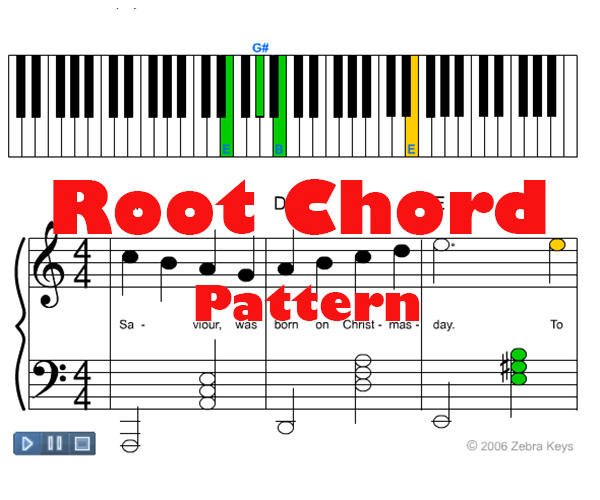
Root Chord Pattern
| TRANSLATE this content |
| Beginner Piano | | | Intermediate Piano | | | Advanced Piano |
|
List of 50 Free Lessons
Piano Basics  Lesson 1 - Patterns of Piano Keyboard Lesson 2 - Names of White Keys Lesson 3 - Names of Black Keys Lesson 4 - Grand Staff Lesson 5 - Note Durations |
Use our free Virtual Piano Keyboard in conjunction with these free lessons:
 |
|
Beginner Piano Lesson 6 - Brother John Lesson 7 - London Bridge Is Falling Down Lesson 8 - Twinkle Twinkle Little Star |
 |
 |
| Lesson 9 - Major Chord |
|
FIND any CHORDS using Free Virtual Piano Chord Chart 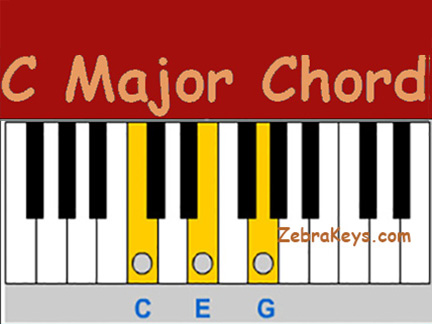 |
|
Lesson 10 - Three Primary Chords Lesson 11 - 12 Bar Blues Chord Progression |
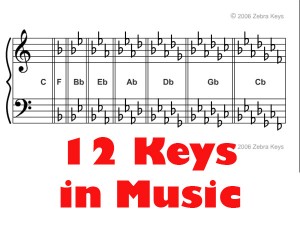
| Lesson 12 - 12 Keys of Music |
 |
 |
|
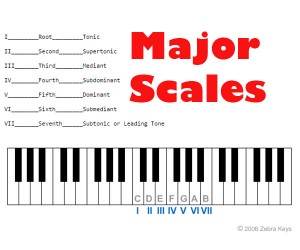
Lesson 13 - Major Scale
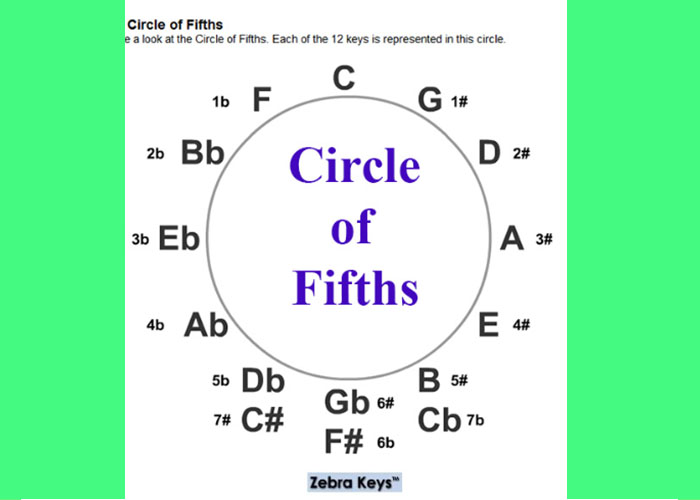
Lesson 14 - Musical Intervals Lesson 15 - Chords of the Major Scale Lesson 16 - The Circle of Fifths |
 |
|
Lesson 17 - Chord Inversions Lesson 18 - Double Chord Pattern Lesson 19 - Broken Chord Pattern Lesson 20 - Arpeggio Chord Pattern Lesson 21 - Sounds of the Orient (Pentatonic Scale) Lesson 22 - Mysterious Sounds (Whole Tone Scale) Lesson 23 - Arpeggios |
|
Intermediate Piano Lesson 24 - America (My Country Tis of Thee) Lesson 25 - Silent Night Lesson 26 - God Rest Ye Merry Gentlemen |
|
Lesson 27 - Minor Chord Lesson 28 - Three Secondary Chords Lesson 29 - Dominant 7th Chord Lesson 30 - Major 7th Chord Lesson 31 - Minor 7th Chord Lesson 32 - Natural Minor Scale Lesson 33 - Chords of the Natural Minor Scale |
|
Lesson 34 - Melody as Octaves Lesson 35 - Root Chord Pattern Lesson 36 - Harmony Notes Lesson 37 - Major Chord Inversions Lesson 38 - Chord Inversion Straddles |
|
Advanced Piano Lesson 39 - The First Noel (Flash demo version) Lesson 40 - Auld Lang Syne Lesson 41 - Hark! The Herald Angels Sing |
|
Lesson 42 - Diminished Chord Lesson 43 - Augmented Chord Lesson 44 - 6th Chords Lesson 45 - Sus2 Chords Lesson 46 - Sus4 Chords Lesson 47 - Major 9th Chords Lesson 48 - Major 11th Chords Lesson 49 - Major 13th Chords Lesson 51 - Blues Scale |

Custom Search
| Access | Free | Tutorials |
 |
 |
 |
|
How to play Twinkle Twinkle Little Star - free tutorial with Flash demos Access free Virtual Keyboard for for Free Learn to Play Piano Songs Online - Silent Night, Auld Lang Syne, The First Noel |
|
Access 3 Easy Piano Songs for Beginners, free tutorials with Flash demos - A fun way to learn how to play piano for free.
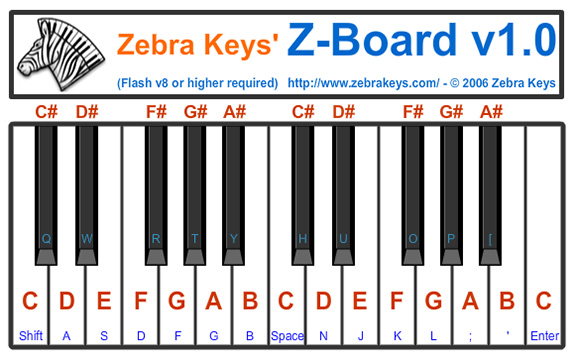
How to play We Wish You A Merry Christmas Use Virtual Keyboard below in conjunction with all of our free lessons, and to practice songs you have learned: |
 |
|
FIVE-FINGER EXERCISES Access Piano Technique Lessons |
|
CHORD INVERSIONS Access Piano Improvisation Lessons |
| Learn Language - Fun & Free Educational Games. Play now! No Installation Required |
 |
 |
|
Access Music Theory Section for Beginners -
learn Intervals in music |
 |
 |
 |
|
How to play Diminished Chord in the Key of C |
|
Learn how to play Twinkle Little Star Download free sheet music here |
|
Learn Brother John |
Row Your Boat |
|
Learn Aura Lee |
Up On The Housetop |
 |
Quick Links